
The first step to get started is setting up the C++ in your system.
The following components are used to build C++ programs:
1. Integrated Development System (IDE) : It provides the necessary tools for writing source code . Any text editor can be used as an IDE.
2. Compiler: It compiles source code into the final executable programs. (It is the one who always try to find errors in your programs.)
There are a lot of compilers available. We will use the most commonly used IDE and Compiler Code::Blocks. It is available for Windows, Mac OS and Linux.
You can download Code::blocks from Codeblocks.org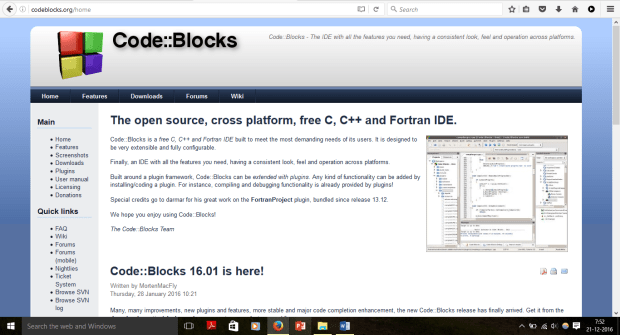
In the Downloads section click on Download the binary release. Choose your OS. Windows user, download the one having ‘mingw-setup’ in it as it is the one having IDE and Compiler both.
After successful download and installation. To create a new program click on New -> File. Click on Files section and choose C/C++ source. Specify the location where the file should be stored and you are good to go.
PS: Don’t get overwhelmed by so much buttons in Code::Blocks. You do not need to care about them for now.
If you have any doubt regarding this setup, let me know in comments. I’ll try my best to help you out.
 The Programmer
One thought on “How to setup C++ in your system to start programming.”